Earning Planer IT Services logo
Home/Blogs/How to Build a Telegram Bot — A Complete Beginner's Guide
telegram

How to Build a Telegram Bot — A Complete Beginner's Guide

📅 19 May 2026⏱️ 10 min read🏢 Earning Planer IT Services
How to Build a Telegram Bot — A Complete Beginner's Guide

What a Telegram Bot Really Is?

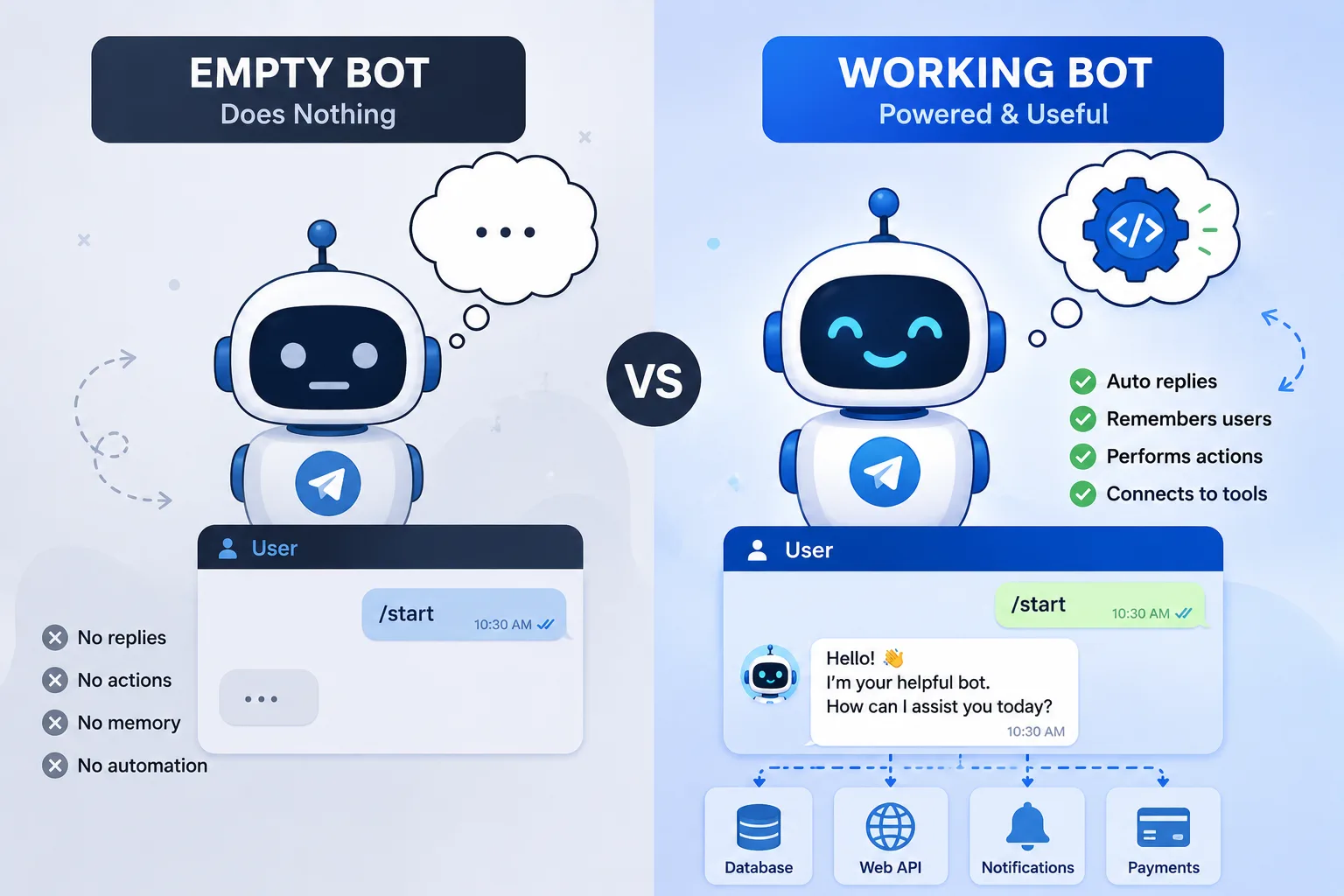
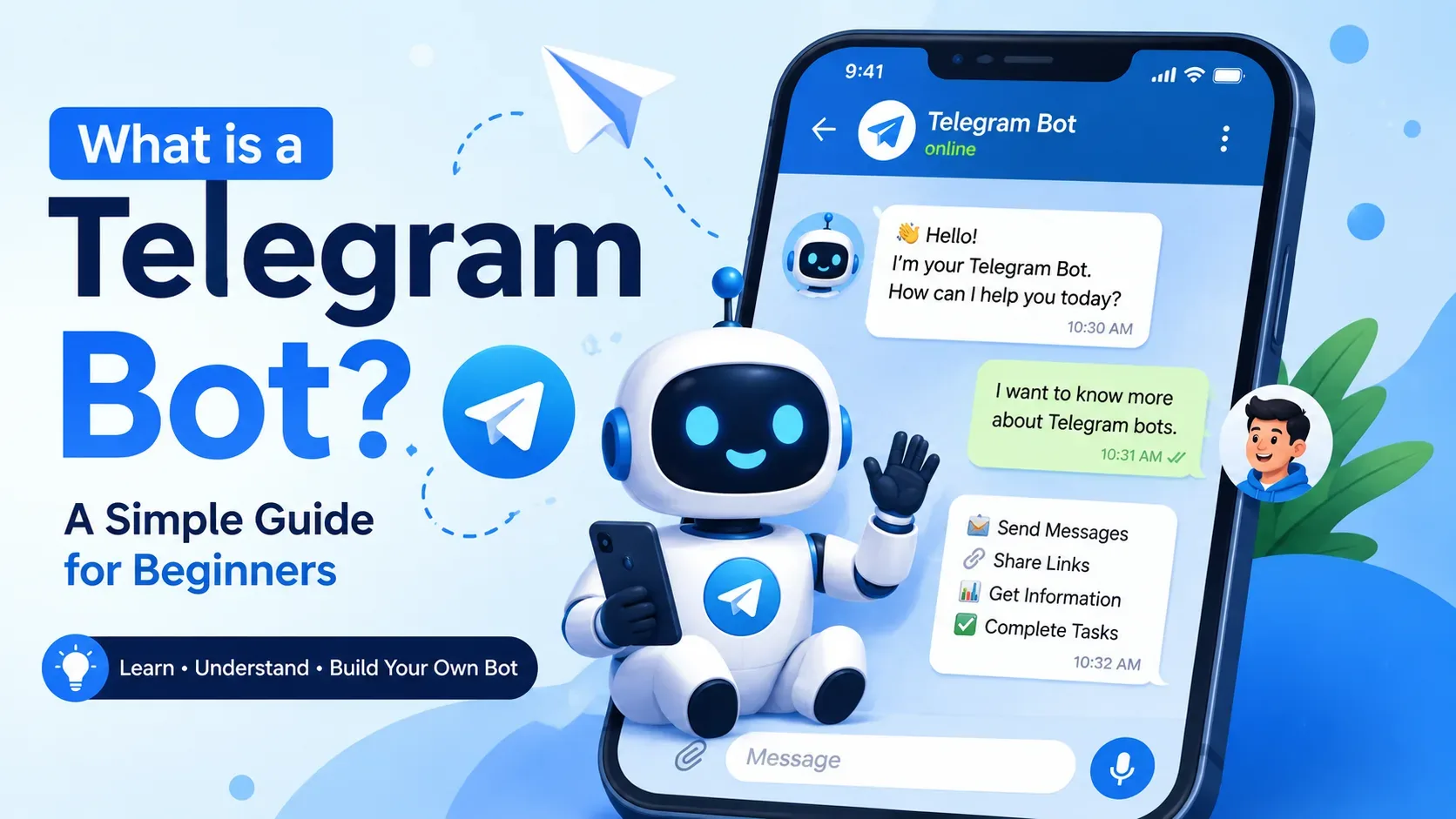
A Telegram bot is a special account controlled by software instead of a human. When someone sends a message to the bot, your program can read that message and decide what to do next. It can reply with text, send images, share links, show buttons, collect user input, or trigger an action in another system. For example, a bot can welcome new users, show product details, give order status, or forward a message to your team. The useful thing about a bot is that it works all day without needing rest, so it can handle repeated tasks automatically.

The best way to think about a Telegram bot is to imagine a small helper inside Telegram. A user sends a message, and the bot listens. Then your code checks that message and gives a reply. Sometimes the reply is simple, like “Hello, welcome!” Sometimes it is more advanced, like fetching live data from a server or using a database. The Telegram Bot API gives you the tools to build all of this in a structured way, so the bot can send and receive updates properly.

Why people use Telegram bots?

Telegram bots are small automated helpers inside the Telegram app that can send messages, deliver updates, run simple tasks, and connect users to services. People use them to share news, run polls, collect feedback, send reminders, and automate repetitive tasks. Bots can be personal tools, community helpers, or ways to publish content to a channel without logging in every time. They work 24/7 and can make group management and simple automation much easier for individuals and communities.

How a Telegram bot works (simple terms)

Think of a bot as a trustworthy assistant that listens for certain requests and replies with information or actions. When someone sends a message, Telegram forwards that message to the bot, the bot decides what to do, and then it sends back a response. Bots can also be added to channels or groups so they can post updates or help moderate conversations. Behind the scenes, bots are identified by a token and talk to Telegram through a standard set of methods — but you don’t need to learn the technical details to use or plan a bot.

Common uses and examples (non-technical)

  • Updates and alerts: deliver new posts, news, or status updates to subscribers.
  • Forms and feedback: collect answers from users, such as event RSVPs or quick surveys.
  • Reminders: send scheduled reminders or daily check-ins.
  • Group helpers: moderate content, welcome new members, or run polls in community groups.
  • Content broadcasting: post announcements to a channel automatically, saving time.

Plan your bot — what to decide first

Before creating a bot, answer these simple questions:

  • Purpose: What will the bot do each day? (deliver updates, collect responses, moderate chat)
  • Audience: Who will use it? (friends, customers, group members)
  • Frequency: How often will it send messages? (real-time alerts, daily summary, occasional notices)
  • Tone and personality: Will it be formal, friendly, or neutral? Keeping a consistent voice helps users trust the bot.
  • Privacy: What user data will you collect and how will you protect it? Plan minimal data collection and clear instructions for users.

Create the bot in Telegram (non-technical overview)

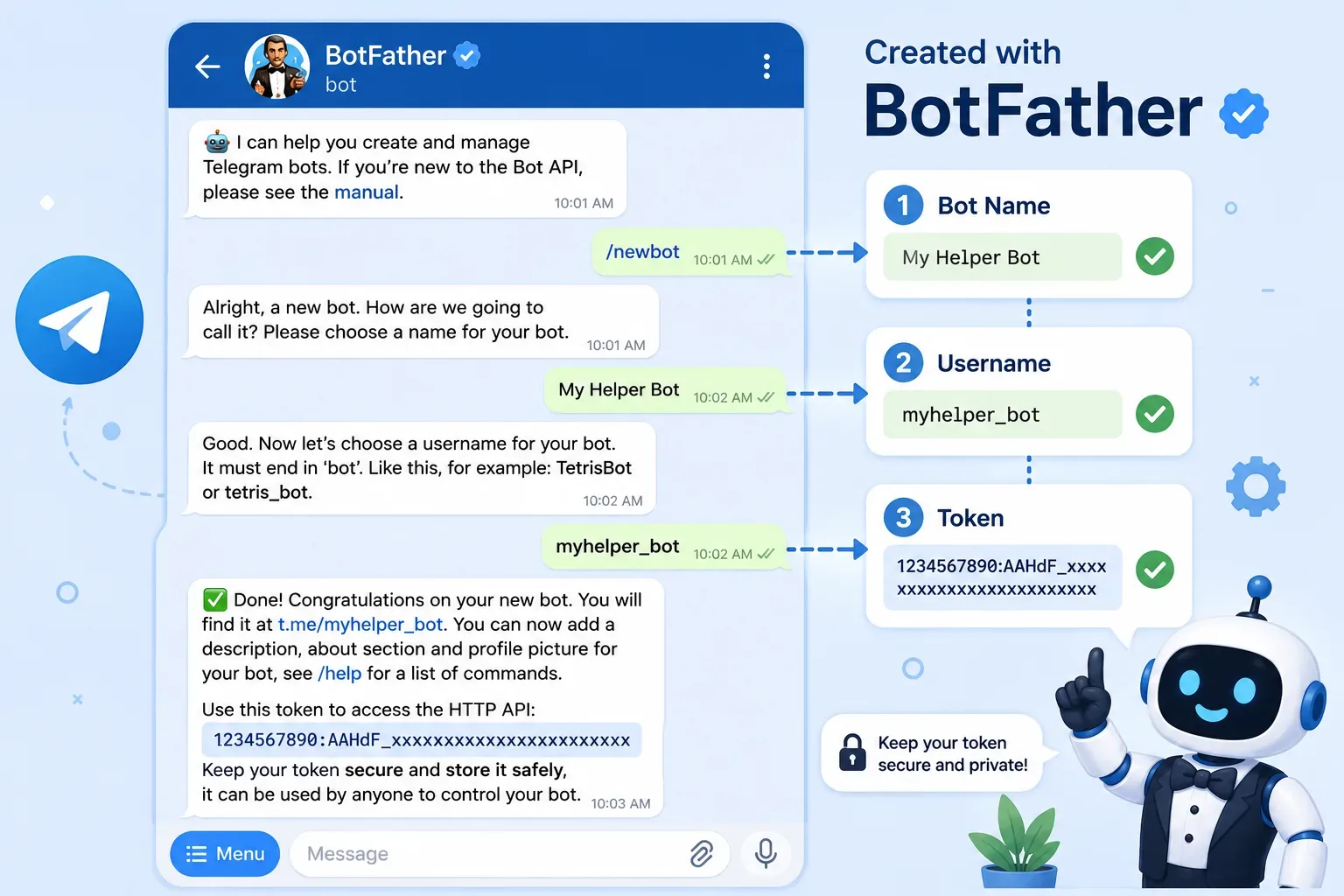
Telegram uses an official manager bot to create and configure new bots in a few simple steps. Start inside the Telegram app, search for the official BotFather tool, and follow its prompts to give the bot a name and username. The process is guided and asks for basic information like a display name and a username that ends with “bot.” The important outcome is that you’ll receive a bot token — a private identifier that allows your bot to operate. Keep that token secret and store it safely.

Decide how the bot will deliver messages

There are easy, non-technical ways to let a bot send updates:

  • Using simple automation tools or services that integrate with Telegram and allow you to forward content without coding.
  • Using built-in channel posting: add the bot as a channel admin so it can post messages automatically when instructed.

       Both approaches let you benefit from automation without needing to write code yourself, and they keep the bot’s                 behavior predictable and controllable.

Designing helpful interactions

Make your bot useful by planning clear, limited tasks rather than trying to make it do everything. Use short prompts and keep responses concise so users can quickly understand and act. If your bot needs input, ask one question at a time and make it easy to cancel or restart the process. Offer a short “help” reply that explains the main commands or actions in simple language.

Avoiding common mistakes

  • Overloading features: don’t cram too many tasks into one bot; simpler is better for adoption.
  • No clear help: always provide an easy way for users to learn what the bot does and how to stop messages.
  • Spamming: respect users’ attention — send only what they expect and allow them to unsubscribe.
  • Weak privacy: never collect more personal data than needed, and explain what you do with any data you collect.

Keeping your bot safe and private

Treat the bot token like a password — if someone else gets it, they can control your bot. Limit what data you store and, when possible, avoid saving personal identifiers. If your bot handles sensitive data, consider removing those features or using clear consent and deletion steps. Use community moderation tools and clear rules to reduce abuse when a bot is present in groups or channels.

How to write messages people love

  • Be short and direct: easy-to-read lines work better in chat.
  • Use friendly language: a calm, helpful tone builds trust.
  • Provide choices: where applicable, offer buttons or clear options so users don’t have to type long answers (many tools support simple interactive options).
  • Give feedback quickly: if an action will take time, tell the user you received their request and will follow up.

Engagement techniques that feel natural

  • Use these gentle engagement methods so users stay interested without feeling sold to:
  • Useful reminders: let users opt into a daily or weekly summary they control.
  • Short polls: quick, one-question polls invite interaction and are lightweight.
  • Personalized but minimal: remember a user’s preferences only when it clearly improves their experience.
  • Celebrate small wins: short congratulatory messages after a user completes a task are motivating.

        Make your bot helpful for groups and channels

  • Welcome messages: a soft welcome message that explains rules and basic commands helps new members.
  • Moderation helpers: provide gentle nudges or warnings instead of immediate bans, unless rules are clear and agreed.
  • Announcement mode: if the bot posts channel updates, let subscribers control what they receive and how often.

Simple content workflow ideas (no code)

  • Daily digest: collect one or two important links and send them at a fixed time.
  • Event sign-up: ask for a name and one short answer, then confirm receipt.
  • Quick survey: three one-line questions that users can answer with a tap or brief reply.
  • Broadcast-only channel: post updates that users can follow without being pestered by replies.

Testing your bot experience (what to try)

  • Try every command as if you were a new user to check clarity.
  • Ask friends to test the bot and give feedback on confusion points.
  • Test edge cases: what happens if someone sends an unexpected message or stops responding? Make sure the bot handles this politely.

Common features that add value (user-friendly)

  • Quick help: a single line that lists main actions.
  • Confirmation messages: always confirm important actions so users know they worked.
  • Undo or cancel: let users stop a process easily if they change their mind.
  • Rate limit friendly: avoid sending many messages in a short time to reduce annoyance.

How to invite people and grow usage naturally

  • Add the bot to groups where it helps solve a real problem, not as a promotion.
  • Offer useful, repeatable value so people keep the bot enabled (for example, a weekly summary or a gentle reminder).
  • Ask for feedback in-chat and use it to improve the bot’s language and behavior.

        Measuring success with simple metrics

Track a few lightweight metrics that show usefulness:

  • Active users: how many people interact each week.
  • Retention: how many users return after their first use.
  • Core actions completed: how often your bot’s main job is done (e.g., reminders sent, responses collected).
  • Unsubscribe or stop rate: if high, reduce message frequency or clarify opt-in.

Maintaining and improving the bot experience

  • Review logs to find frequent errors or confusing replies.
  • Update the help message when you add or change features.
  • Keep interactions short and test changes with a small group before wider release.

Ethical and legal considerations

Be honest about what the bot does and what data it sees. Make opting out simple and honor deletion requests promptly. Do not use bots to mislead people, automate spam, or collect private information without express consent.

Real-life examples (described, not technical)

  • A community bot that shares event reminders and posts a weekly calendar summary to members. Users like it because the messages are short and useful, and they can control which reminders they get.
  • A feedback bot that asks three quick questions after an event and collects responses in a simple list for organizers to review; people use it because it asks only what’s needed.

Troubleshooting user-facing problems

  • If users report no messages, check that the bot is active and has permission to post in the channel or group.
  • If replies are confusing, simplify the language and reduce required steps..
  • If users complain about too many messages, add frequency options and an easy stop command..

Costs and practical limits

Many basic bot features are free to use inside Telegram, but if you use third-party automation services, check their pricing and data rules first. Keep features practical so you don’t need expensive tools for things that can be done with simple workflows.


Next steps: how to move forward (user-focused)

  • Sketch a short script of what the bot will say for main tasks, keeping sentences short and helpful.
  • Test the flow manually with trusted users and simplify where they hesitate..
  • Start small with one clear feature, then add more as you get real user feedback.

 Helpful checklist before launch

  • Purpose is clear and simple.
  • Help message explains main actions.
  • Users can opt out quickly.
  • Data collection is minimal and explained.
  • Bot token is stored securely.

Friendly tips for non-coders

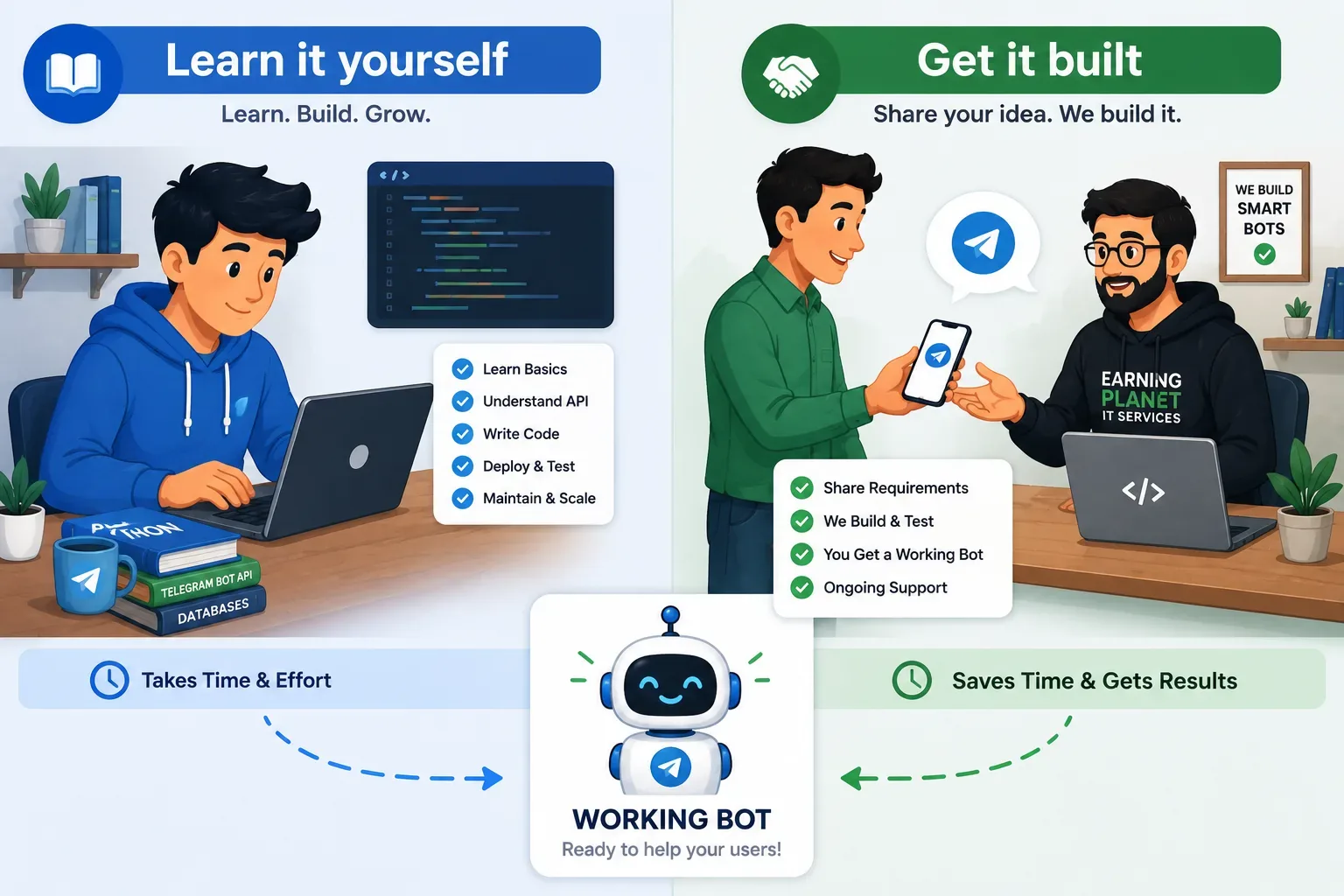
  • Use ready-made automation tools or bot builders that don’t require code to connect content to Telegram.
  • Focus on wording and timing; good language often matters more than fancy features.
  • Keep privacy first: fewer questions and transparent handling make users trust your bot faster.

Wrapping up — the simple path to a useful bot

A great bot starts with a clear purpose, respectful message frequency, easy help, and careful privacy practices. Start small, test with real users, and refine the language and rules until the bot feels helpful and unobtrusive. With deliberate design, your Telegram bot can be a reliable assistant that people enjoy using.


Share:𝕏fw
🚀

Need a Professional Project?

We specialize in MERN Stack, Telegram Bots, and SEO-optimized web solutions. Let's build something amazing together!