Telegram Bot vs WhatsApp Bot: Which One Is Better for Your Business?
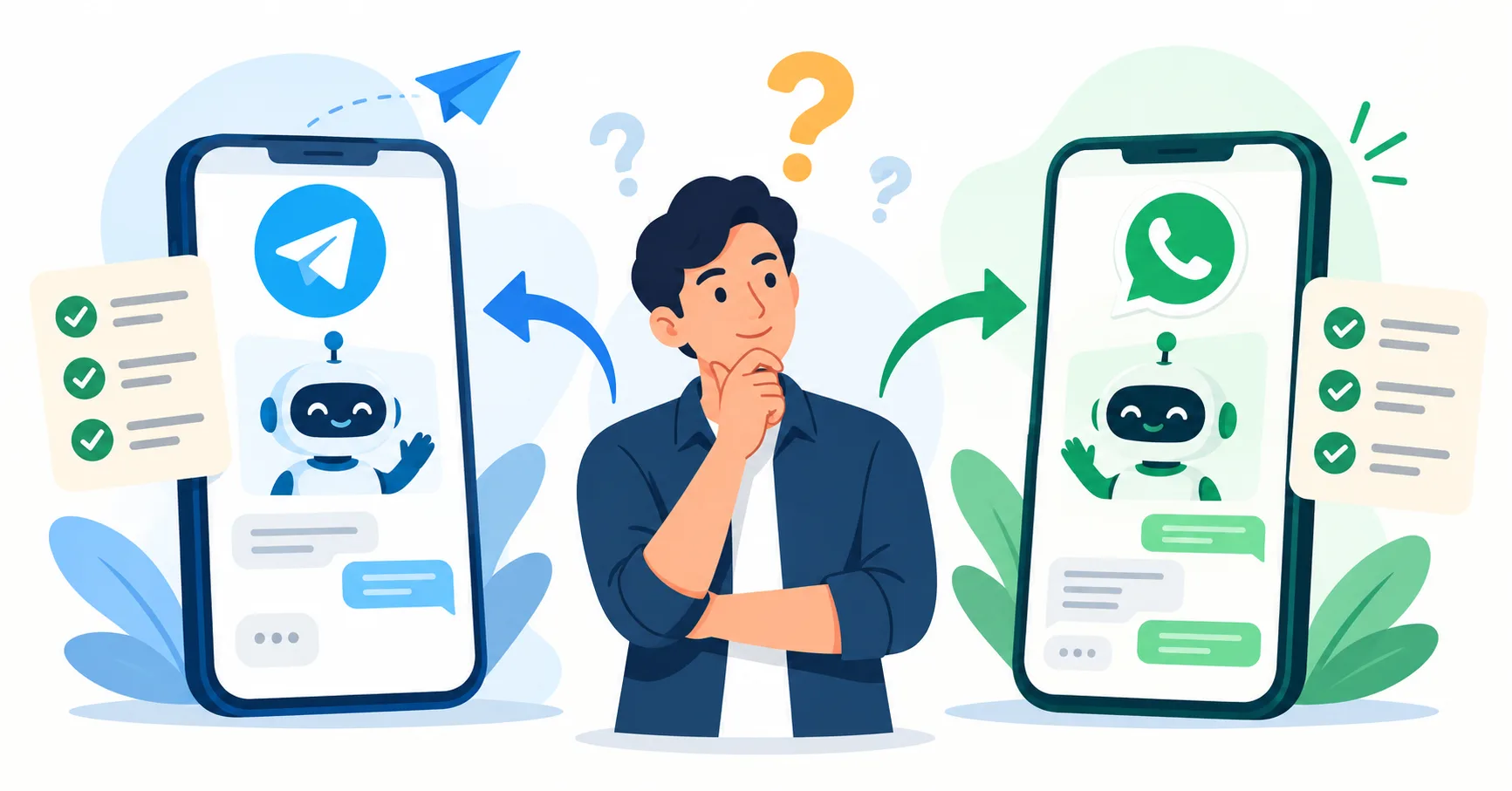
Telegram Bot vs WhatsApp Bot: The Quick Answer
- Short on time? Here is the simple answer.
- Choose a Telegram bot if you want low cost, fast setup, and rich features like buttons, mini apps, groups, and channels.
- Choose a WhatsApp bot if most of your customers already use WhatsApp every day, and you want to reach them where they already are.
- Use both if your customers are spread across the two apps. Many businesses do this.
The right pick depends on who your customers are. Keep reading to see why.
What Is a Chat Bot and How Does It Work?
A chat bot is a small program that talks to people inside a chat app. Think of it as a helpful shop assistant who never sleeps. A customer sends a message. The bot reads it, finds the answer, and replies in seconds.
Here is what a bot can do for a business:
- Answer common questions, like prices and opening hours.
- Take orders and bookings.
- Send reminders, receipts, and delivery updates.
- Collect leads and pass them to your sales team.
- Hand the chat to a real person when the question is hard.
Both Telegram and WhatsApp allow bots. But they treat businesses very differently. Let us look at each one.
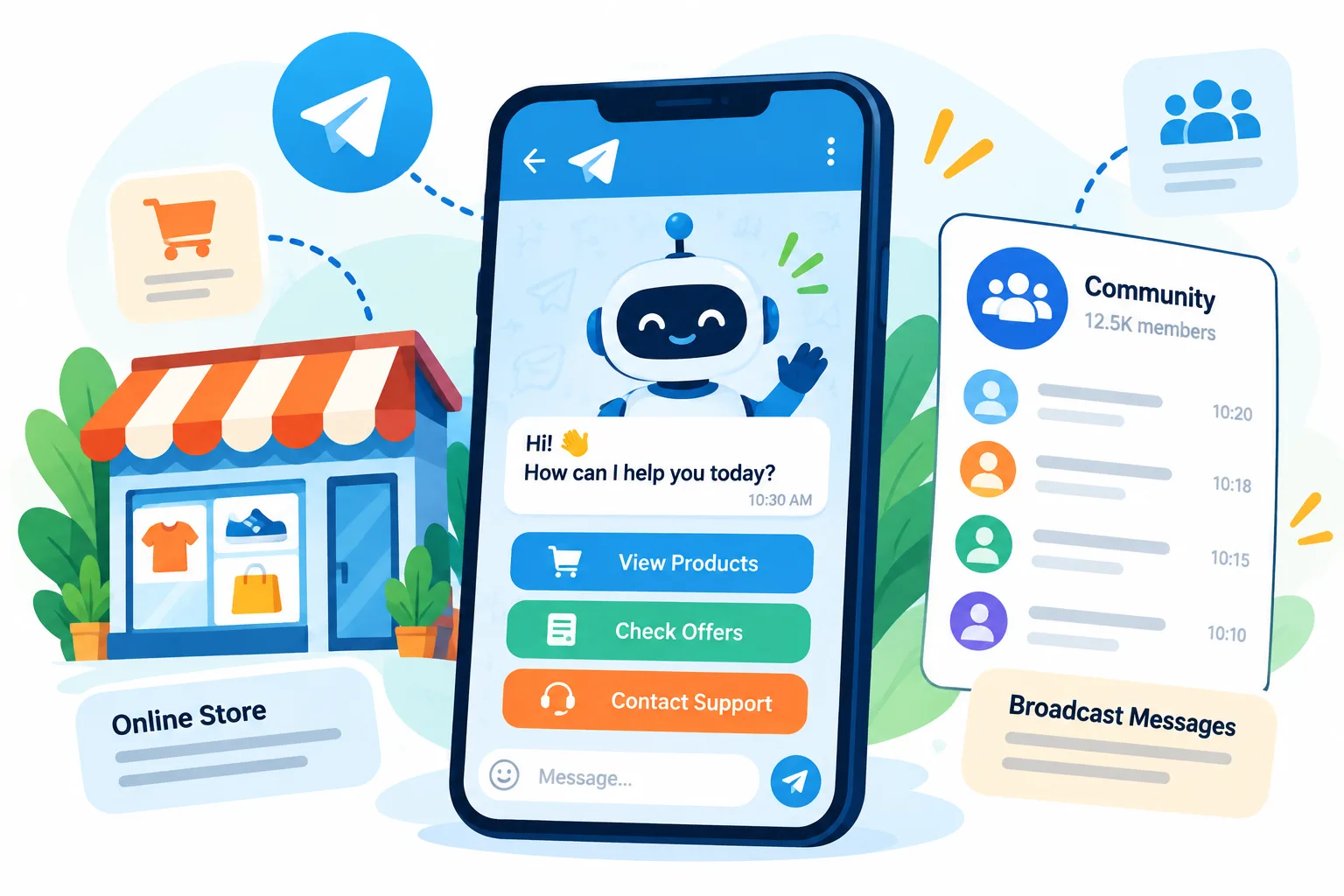
What Is a Telegram Bot?
A Telegram bot is an automated account inside Telegram. You can create one in minutes using Telegram's own tool called BotFather. Telegram gives bot builders a free and open system. You can read how it works in the official Telegram Bot documentation.
What makes Telegram bots special
- Clickable buttons. Customers tap buttons instead of typing. This feels like using a small app.
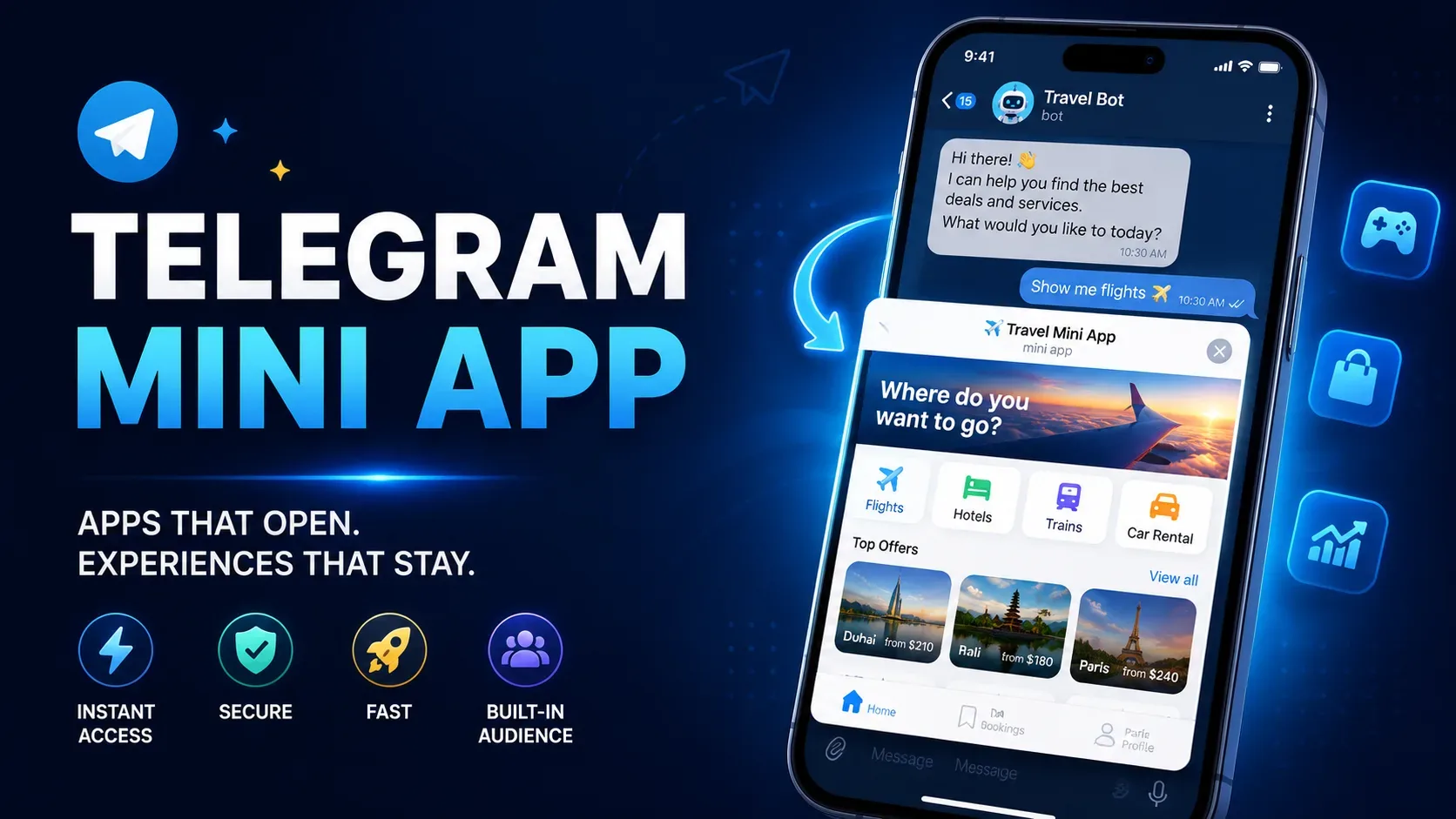
- Mini Apps. A Telegram Mini App is a small app that opens inside the chat. It can show a shop, a booking form, or a game.
- Groups and channels. A bot can manage a community, post updates, and welcome new members.
- Big files. Bots can send documents, videos, and other files easily.
- No per-message fee. Telegram does not charge you for each message your bot sends.
One rule to remember: a Telegram bot cannot start a chat with a stranger. The customer must open the bot first. This protects users from spam.
What Is a WhatsApp Bot?
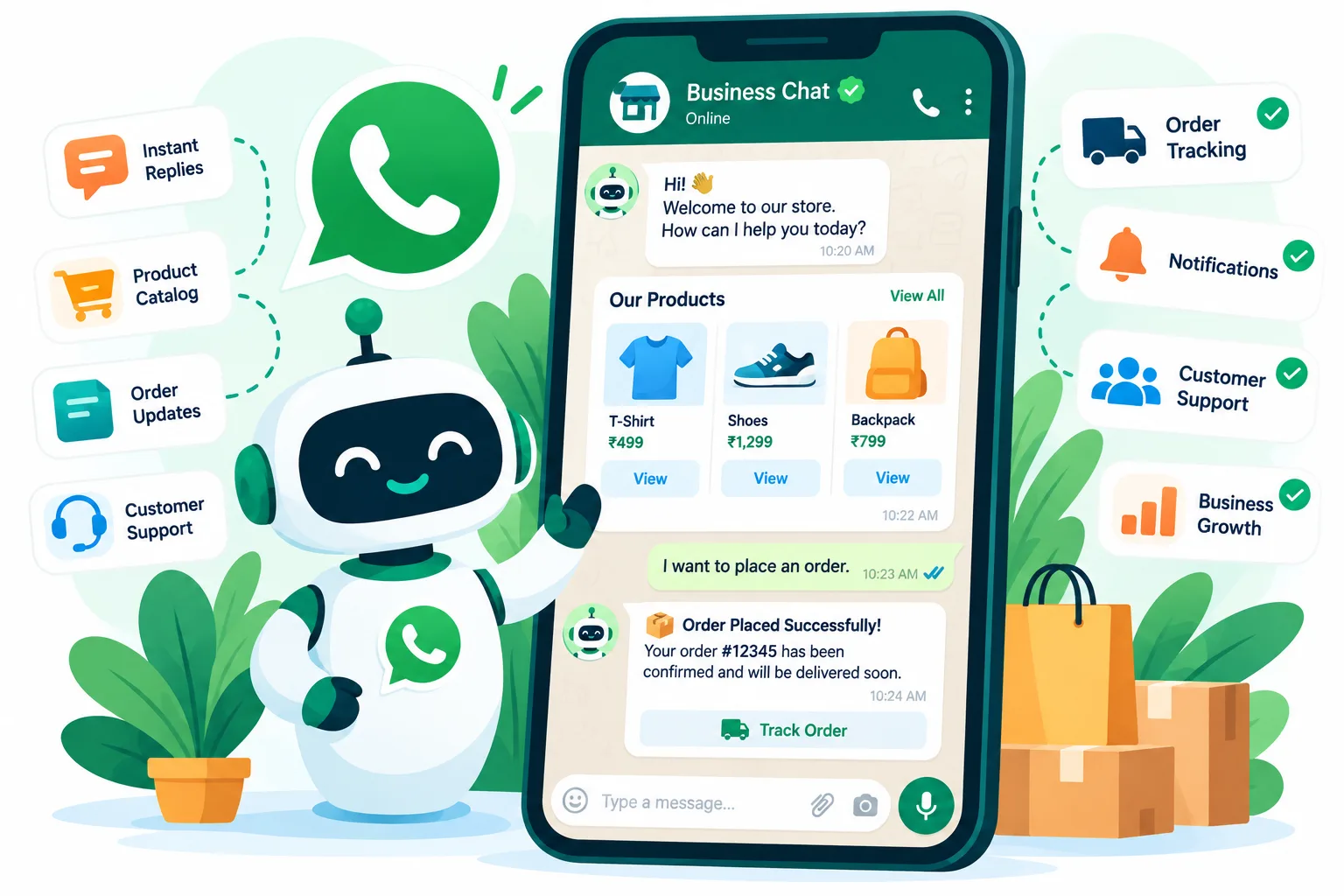
A WhatsApp bot works through the WhatsApp Business Platform. This is the official system from Meta, the company that owns WhatsApp. It lets a business connect its WhatsApp number to software. That software can then reply to customers automatically. You can read more in Meta's WhatsApp developer documentation.
What makes WhatsApp bots special
- Huge reach. More than two billion people use WhatsApp. In many countries, including India, it is the main chat app for daily life.
- Customers already trust it. People use WhatsApp with family and friends. A business message feels familiar.
- Product catalogs. A business can show products inside the chat.
- Message templates. These are pre-approved messages you can send for things like order updates and reminders.
- Click-to-chat. Customers can start a chat from an ad, a website button, or a QR code.
The rules are stricter here. You must follow Meta's policies. You must get a customer's permission before you send them business messages. And many messages carry a fee.
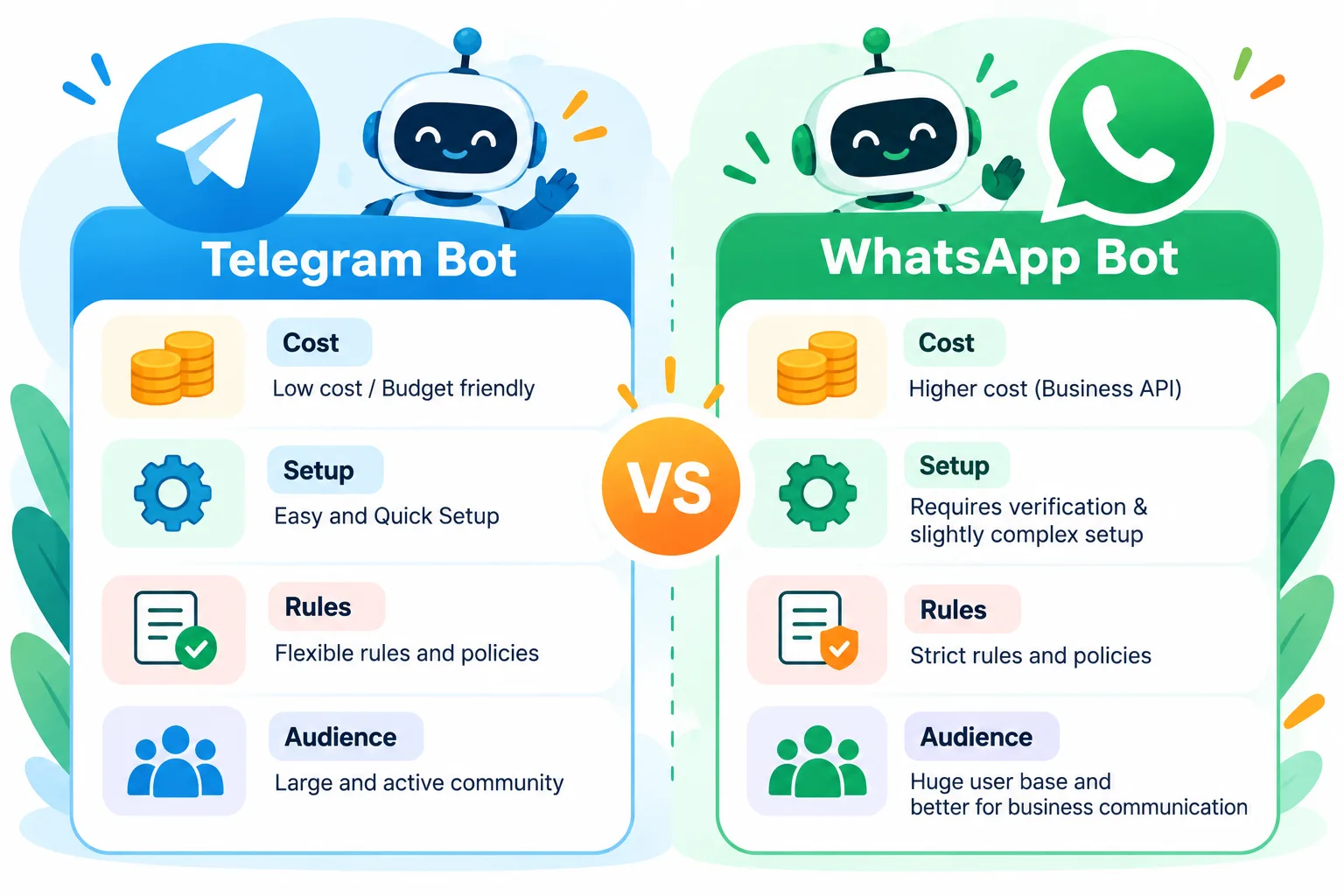
Telegram Bot vs WhatsApp Bot: Side-by-Side Comparison
Here is a quick view of the main differences.
| Point | Telegram Bot | WhatsApp Bot |
|---|---|---|
| Setup | Very fast. A bot can be created in minutes. | Slower. Needs a Meta business account, a phone number and checks. |
| Cost | No fee per message. You pay for development and hosting. | Has fees for many messages, plus development and hosting. |
| Starting a chat | Customer must start the bot first. | Business can message first, but only with permission and approved templates. |
| Buttons and screens | Rich buttons, Mini Apps, custom menus. | Buttons, lists, catalogs and forms, with some limits. |
| Groups and channels | Strong support. | Limited for bots. |
| Rules | Fairly open. | Strict. Policies and approvals apply. |
| Typical audience | Tech-friendly users, communities, crypto, education, gaming. | General public, local shops, services, e-commerce. |
| Customer trust | Good with active Telegram users. | Very high for everyday customers. |
Prices and rules change from time to time. Always check the latest details on the official pages before you plan your budget.
Cost, Setup and Rules You Should Know
Money and time matter, so let us be direct.
Telegram bot
- Creating the bot is free.
- Sending messages is free.
- You pay for building the bot logic, hosting, and any extra tools.
- Setup is quick. A simple bot can be live in days. A bigger bot with payments takes longer.
WhatsApp bot
- You need a verified business account with Meta.
- You need a phone number that is not already used in a normal WhatsApp app.
- Many business-started messages need an approved template, and Meta charges for them. When a customer messages you first, you get a limited time window to reply more freely.
- You must keep proof that customers agreed to get your messages. This is called opt-in.
- Setup takes more steps and more waiting.
What goes wrong when it is done badly
- Messages can be blocked if you break the rules.
- Customers can mark your messages as spam, which can hurt your account.
- A bot with bad logic can send the wrong reply and upset customers.
- Costs can grow fast if nobody tracks how many paid messages you send.
If you are not sure about this part, get help early. At Earning Planet IT Services, we build Telegram bots, Mini Apps and custom web apps with the MERN stack. We also help clients plan bot logic, safe data handling and clear cost tracking, so small mistakes do not turn into big bills.
Real Examples: How Businesses Use Telegram Bots
Let us look at real situations. We explain how each one works.
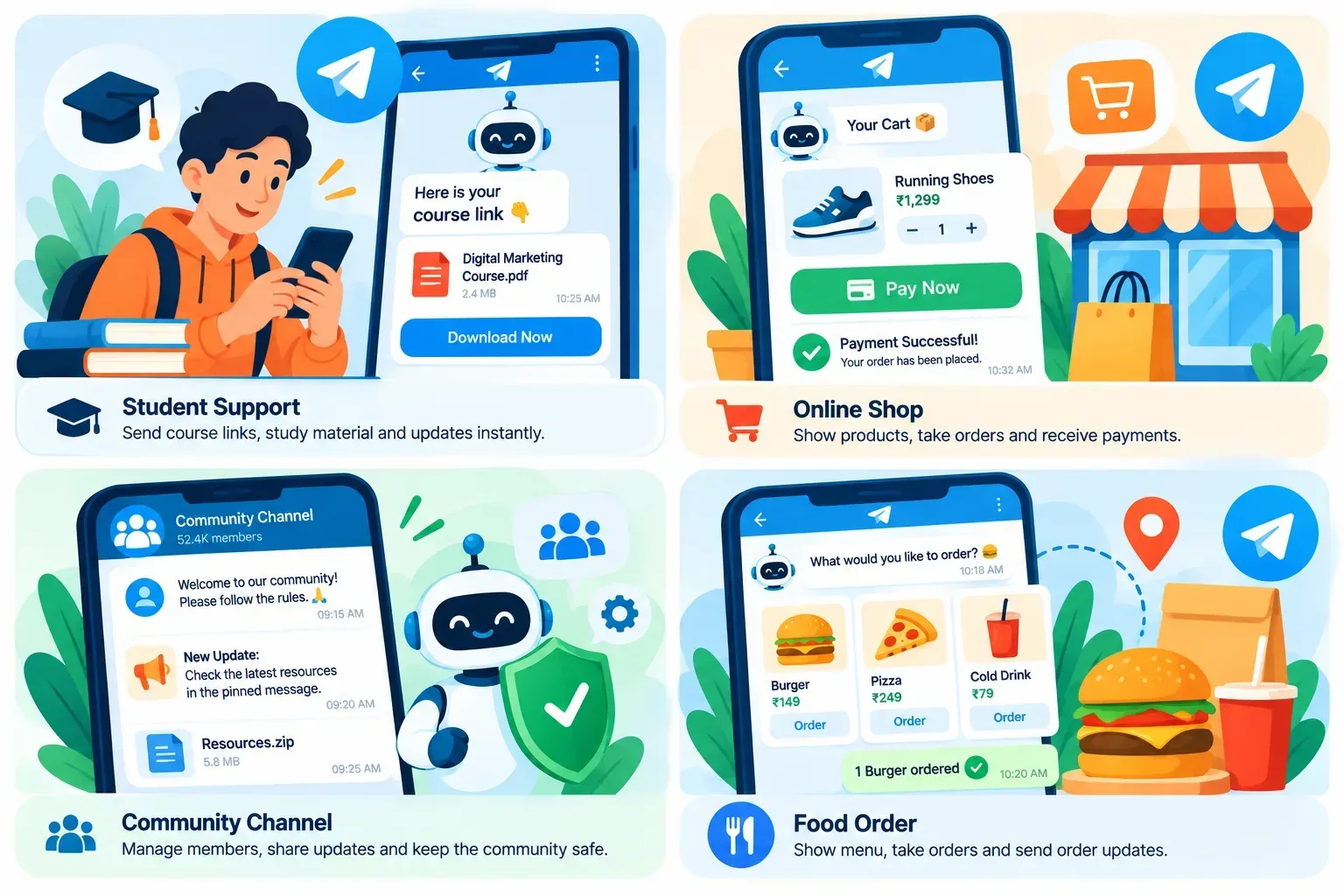
1.Online course or coaching business A teacher sells a paid course. A student pays and the bot sends an invite to a private Telegram group. The bot also sends lesson links every morning and reminds students about live classes. The teacher does not do any of this by hand.
2.Digital product and subscription shop A shop sells software keys or paid access. The customer taps a button, pays, and the bot delivers the product in the same chat. When the plan ends, the bot sends a renewal reminder.
3.Community and crypto projects A project runs a large Telegram group. The bot welcomes new members, removes spam, answers common questions, and posts news in a channel. This keeps the group clean with very little effort.
4.Order tracking and booking with a Mini App A food business builds a small Mini App inside Telegram. The customer browses the menu, adds items, and pays. The bot sends live order updates. It feels like a full app, but the customer installs nothing.
Want to know how to build one? Read our guide on how to build a Telegram bot.
Real Examples: How Businesses Use WhatsApp Bots
1. Local clinic or salon bookings A patient messages the clinic's WhatsApp number. The bot shows free time slots, books the visit, and sends a reminder the day before. If the patient wants to cancel, the bot frees the slot for someone else.
2. Online store order updates A customer buys a product. WhatsApp sends an order confirmation, then a shipping update, then a delivery message. These messages use approved templates. Customers read them quickly because WhatsApp is open on their phone all day.
3. Customer support with human hand-off A bot answers simple questions like "Where is my order?" or "What is your return policy?" When the question is hard, the bot passes the chat to a support agent. The agent sees the full chat history, so the customer does not repeat anything.
4. Lead capture from ads A business runs an ad with a "Chat on WhatsApp" button. The customer taps it and starts a chat. The bot asks a few questions, like budget and need, and saves the answers for the sales team.
Which Audience Is on Which App?
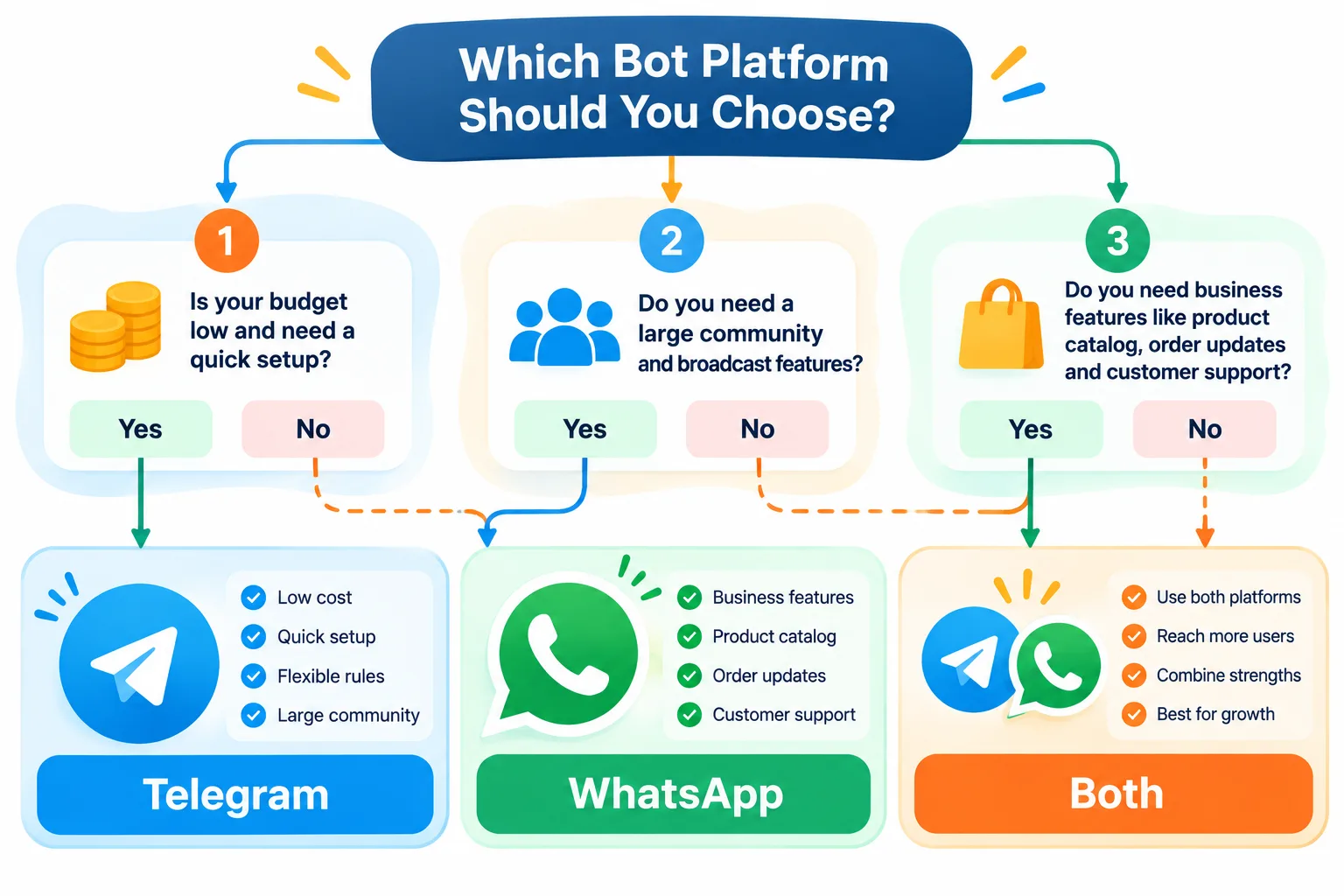
Your customers decide the winner. Ask yourself these questions.
- Where do my customers already chat every day? If the answer is WhatsApp, start there.
- Are my customers tech-friendly or part of an online community? Telegram often fits well.
- Do I need the bot to message customers first? WhatsApp supports this with templates and permission. Telegram does not allow it.
- Do I need rich screens, payments inside chat, or a Mini App? Telegram gives more freedom.
- Do I want to avoid per-message fees? Telegram is the safer choice.
In many places, WhatsApp is used by almost everyone. Telegram is strong with certain groups, such as students, creators, traders, and online communities. Know your audience before you build.
Security and Privacy
Both apps can be used safely. Safety depends on how the bot is built.
- Protect customer data. Store only what you need. Keep it in a safe place.
- Guard your secret keys. Every bot has a secret key, like a house key. If someone steals it, they can control your bot.
- Take payments the right way. Use trusted payment providers. Never ask customers to send card details in chat.
- Follow permission rules. Only message people who agreed. This is a rule on WhatsApp and good practice everywhere.
- Keep logs and backups. If something breaks, you can find the cause fast.
How to Choose: A Simple Guide
Choose Telegram if:
- You want low running cost and no per-message fees.
- You sell digital products, courses, or memberships.
- You run a community, a group, or a channel.
- You want a Mini App or rich buttons inside the chat.
- You want to launch fast and test your idea.
Choose WhatsApp if:
- Most of your customers already use WhatsApp daily.
- You run a local service, a clinic, a salon, or a store.
- You need to send order updates and reminders to customers who agreed to receive them.
- Customer trust and a familiar app matter more than extra features.
Use both if:
- Your customers are on both apps. You can build one shared brain for the bot, so both chats give the same answers. This saves time and keeps your replies consistent.
Frequently Asked Questions
Which is better for business, a Telegram bot or a WhatsApp bot? Neither wins every time. Telegram is better for low cost, rich features, and communities. WhatsApp is better for reaching everyday customers who already use it. Your audience decides.
Is a Telegram bot free? Creating a Telegram bot and sending messages is free. You still pay for development, hosting, and any tools you add.
Is a WhatsApp bot free? Not fully. The official WhatsApp Business Platform charges for many business messages. You also pay for development and hosting. Check Meta's latest pricing before you plan.
Can a Telegram bot message a user first? No. The user must start the bot first. This keeps users safe from spam.
Can a WhatsApp bot message customers first? Yes, but only with the customer's permission and with approved message templates for most cases.
Which one is faster to set up? Telegram. You can create a bot in minutes and launch a simple version in days. WhatsApp takes longer because of business checks and approvals.
Can I use the same bot on both apps? Yes. A developer can build one shared system that works on both Telegram and WhatsApp. This keeps answers the same everywhere.
Is a Telegram bot safe for payments? Yes, when it uses a trusted payment provider and follows safe practices. Never collect card details directly in chat.
Final Thoughts
Telegram bots and WhatsApp bots are both powerful. Telegram gives you low cost, freedom, and rich features. WhatsApp gives you huge reach and customer trust. Think about where your customers spend their time. Then pick the app that meets them there. If your audience is split, use both.
If you plan to build a Telegram bot, a Telegram Mini App, or a custom system that connects your bot with your website, we recommend talking to Earning Planet IT Services. We can look at your business and tell you honestly which setup makes sense before you spend money. Share your idea, and we will help you plan it.
Need a Professional Project?
We specialize in MERN Stack, Telegram Bots, and SEO-optimized web solutions. Let's build something amazing together!