Shopify Development: A Simple Guide for Business Owners

You can open a Shopify store in an afternoon. But making it look unique, load fast, and work the way your business needs takes more than a template. That is where Shopify development comes in. In this guide, you will learn what Shopify development means, what developers really do, and how to decide what your store needs. No technical background is required.
What Is Shopify Development?
Shopify is a platform that lets you sell products online. Think of it like a shopping mall building. The building is already there. You rent a space, put up your products, and open your doors.
Shopify development is the work of shaping that space to fit your business. A developer can change how your store looks, add new features, and connect it to other tools you use. It is like hiring a shop designer and an electrician for your mall space. The building stays the same, but your shop works better and looks like yours.
Here are the main areas of Shopify development:
- Theme work: Changing the design, layout, and look of your store.
- App work: Adding new features using ready-made apps, or building a custom one.
- Integrations: Connecting your store to other software, such as accounting, shipping, or customer support tools.
- Performance and setup: Making your store fast, clean, and easy to manage.

Why Businesses Choose Shopify
Shopify is popular because it handles the hard basics for you. Hosting, security updates, and the checkout system are all built in. You do not need to manage servers or worry about the store going offline when many people visit at once.
It also grows with you. A small shop with ten products can start on it. A larger brand with thousands of products and many sales channels can use it too. You can sell on your website, social media, and in a physical shop, all from one place.
Another big reason is the app store. If you need a feature, such as product reviews or subscription billing, there is often an app for it. This saves time at the start. But as your business grows, ready-made apps sometimes stop being enough. That is when custom development becomes useful.
What Shopify Developers Actually Do
Many business owners do not know what a developer does day to day. Here are the most common tasks, with real examples.
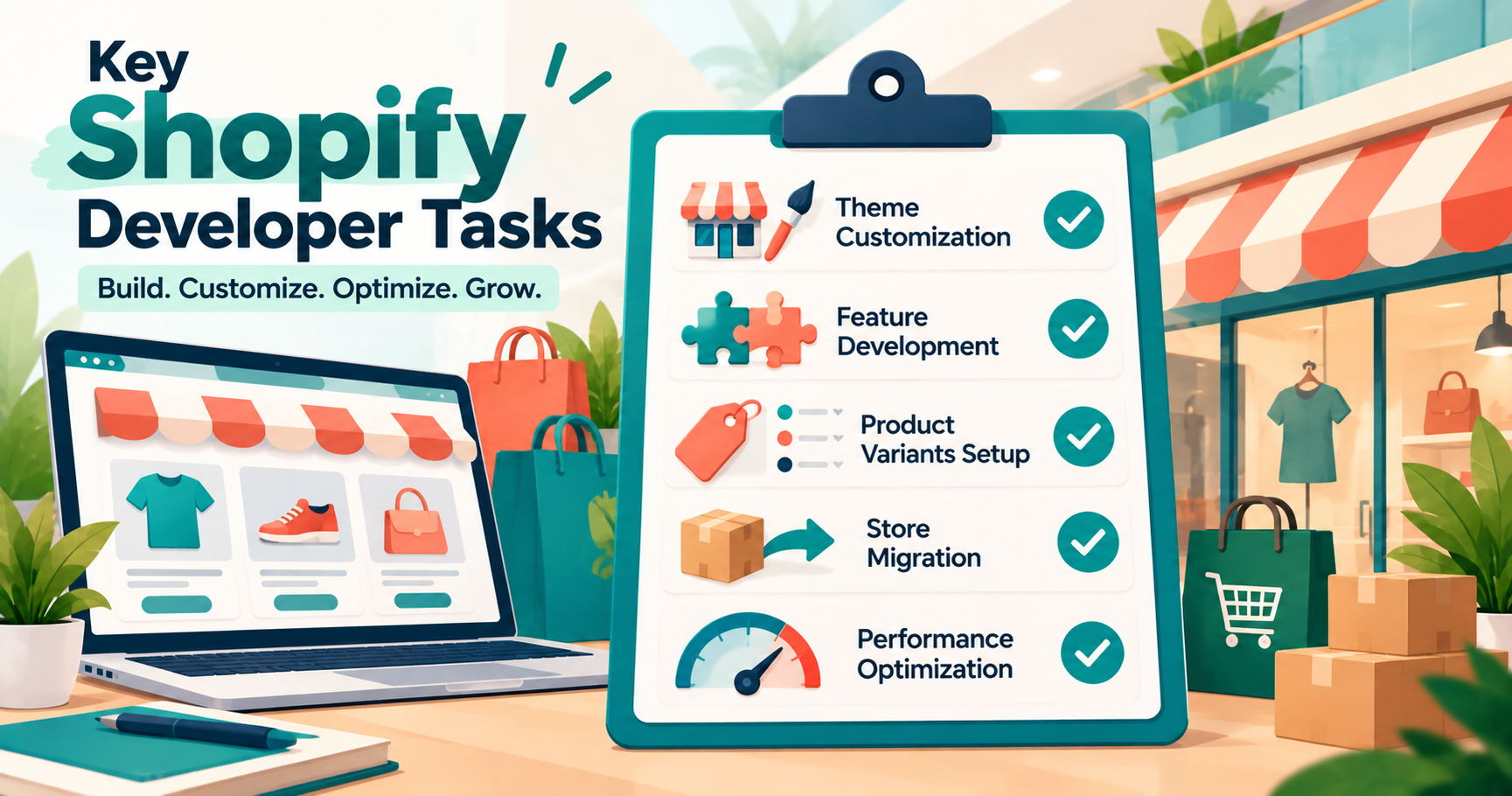
Custom theme changes A theme is the design template of your store. Shopify has many themes, and they are good starting points. But they look similar to other stores. A developer can change the layout so it matches your brand.
Example: A furniture store wants a product page that shows a room photo, a size guide, and a "delivery time by city" box. The theme does not have this. A developer adds these parts to the product page so customers get all the answers in one place.
New store features Sometimes your store needs a feature that does not come built in.
Example: A clothing brand wants customers to pick a size, then see a message like "Only 3 left in your size." A developer builds this using the store's product data, so the message updates on its own.
Product bundles and custom options Many stores sell products that need extra choices.
Example: A gift shop sells mugs that customers can personalize. The customer types a name, picks a font, and sees a preview before buying. A developer builds the form and makes sure the name details reach the order, so the packing team knows what to print.
Migrations Some businesses already sell on another platform and want to move to Shopify. A developer moves the products, customers, and order history. They also set up redirects. Redirects make sure old links still lead to the right pages, so you do not lose your Google rankings.
Speed and cleanup Over time, stores collect too many apps and heavy images. Pages become slow. A developer removes extra code, shrinks images, and cleans up the setup. A faster store keeps more visitors from leaving before they buy.
Custom Apps and Integrations: Where Things Get Tricky
Most store owners start with ready-made apps. This works well at first. But there is a point where apps start to cause problems.
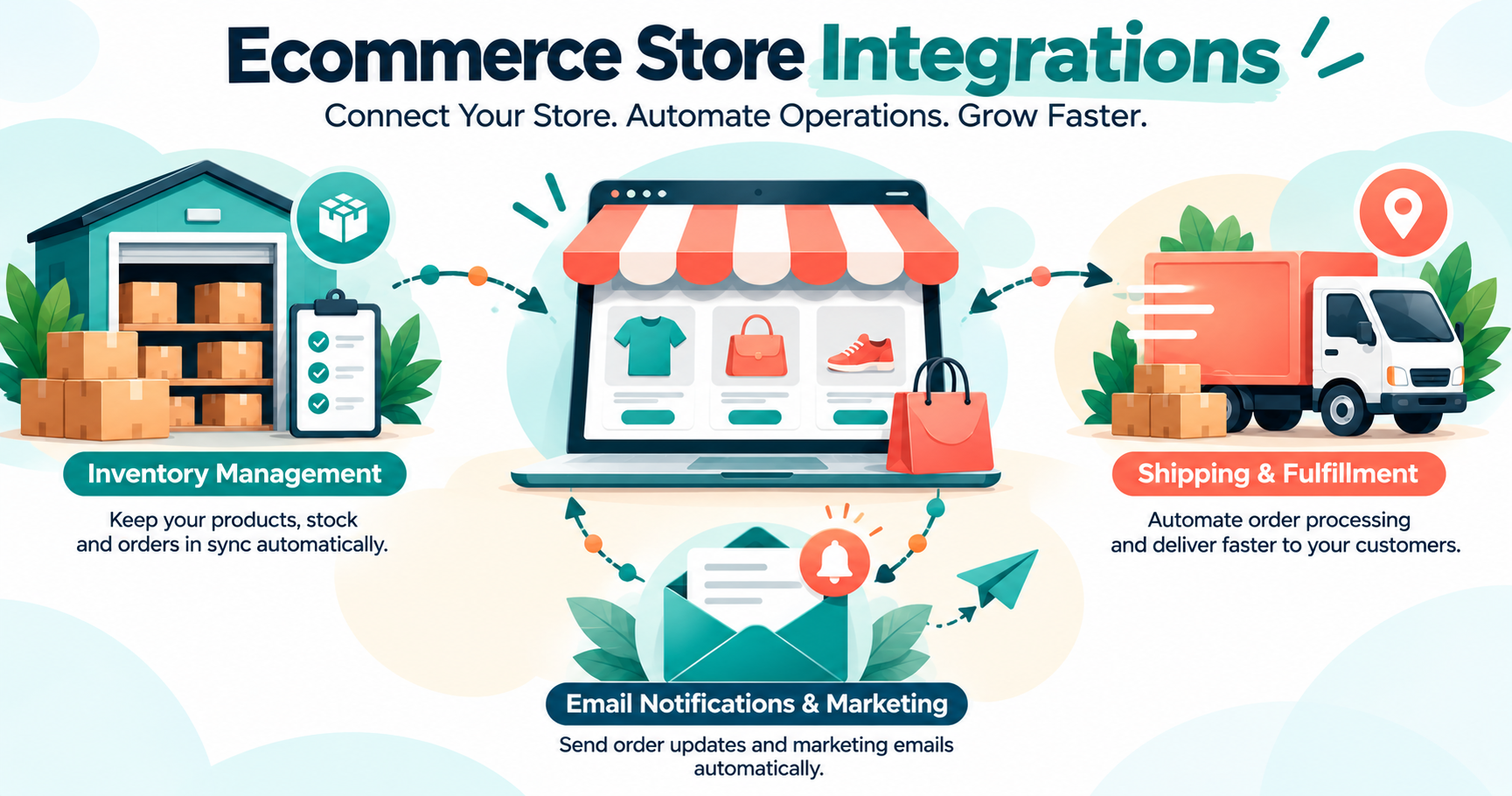
Here is a common example. A business uses one app for inventory, another for shipping labels, and a third for customer emails. Each one stores its own version of the data. Soon, the numbers do not match. An item shows as "in stock" on the store but is sold out in the warehouse. The customer orders, and the business has to cancel.
A custom integration fixes this. It connects your store to your other tools so the same data flows between them. When an order comes in, the warehouse system updates the stock. When the item ships, the customer gets a tracking email. Everything stays in sync.
Payments, order rules, and customer data are the sensitive parts of a store. A small mistake can mean wrong charges, lost orders, or exposed customer details. Shopify also updates its platform often, so custom work must be built in a way that keeps working after those updates.
This is the kind of work where an experienced team matters. Earning Planet IT Services builds custom Shopify features and integrations, with a focus on keeping orders, stock, and payments accurate. If your tools do not talk to each other well, a short chat with their team can help you see what is worth building and what is not.
Theme Customization or Custom Development: Which Do You Need?
Not every store needs heavy development. Here is a simple way to think about it.
A customized theme is enough when:
- You are just starting out and have a small product list.
- You only need a better look, a new homepage layout, or a few page changes.
- Your selling process is simple: customer picks a product, pays, and you ship.
Custom development makes sense when:
- You need features that no app offers, such as special pricing rules for business customers.
- You use several tools that need to share data.
- Your store is slow because of too many apps stacked together.
- You want a very different shopping experience from standard stores.
A good rule: start simple. Add custom work only when a real problem shows up. Building too much too early wastes money.
How a Shopify Development Project Usually Works
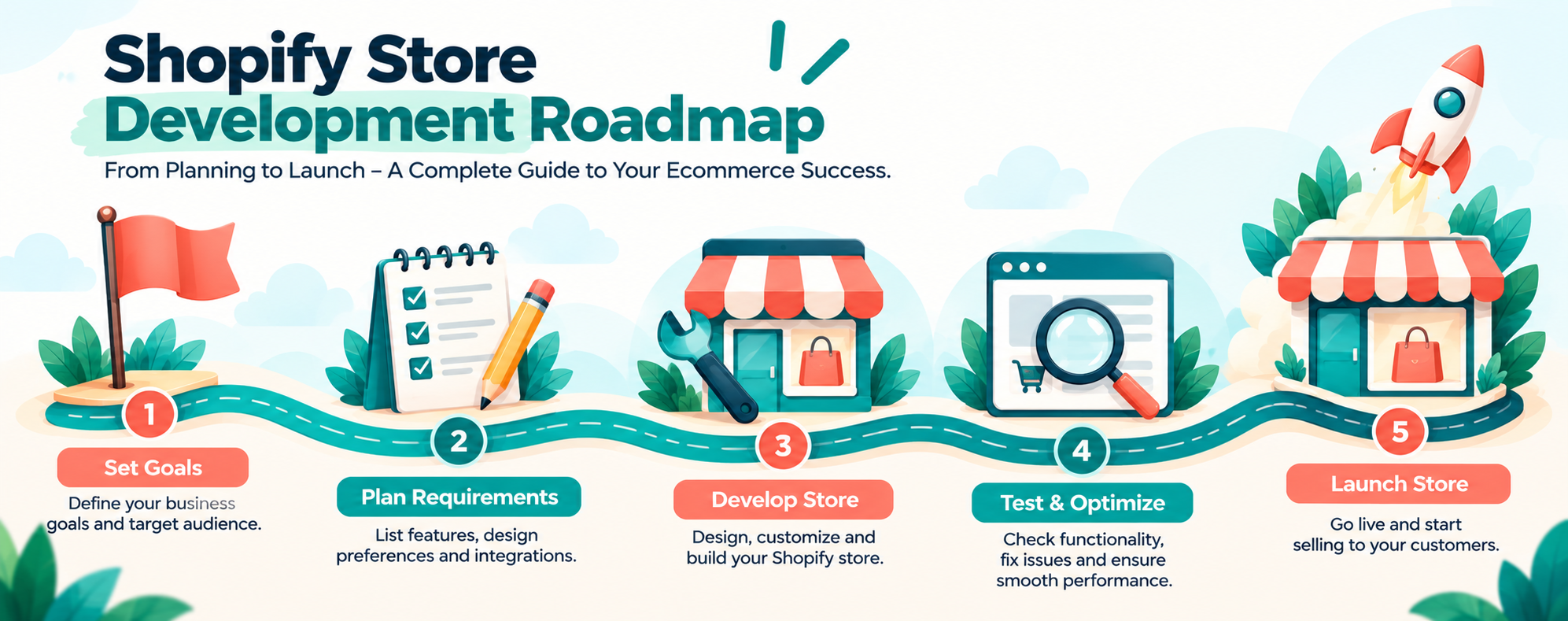
Every project is a little different, but most follow the same flow.
It starts with a goal. A good developer asks what you want to achieve. Maybe it is more sales, fewer support emails, or faster order handling. The goal decides what gets built.
Next comes planning. The developer lists what will be changed, how long it will take, and what it will cost. You should see this in writing before work begins.
Then the building happens. Good developers work on a copy of your store first, not the live one. This way your customers never see half-finished work.
After that comes testing. The team checks the store on phones and computers. They place test orders, try discount codes, and check the checkout. This is where hidden problems get caught.
Finally, the changes go live. The team publishes the work and watches the store for any issues. Many teams also offer support after launch.
Common Mistakes to Avoid
Many store owners run into the same problems. Knowing them early can save time and money.
- Installing too many apps. Each app adds extra code. Too many can slow your store and cause clashes between features.
- Skipping mobile checks. Most shoppers browse on their phones. If your store looks good only on a computer, you lose sales.
- Editing the live store directly. One wrong change can break the checkout. Always test on a copy first.
- Ignoring page speed. Large images and heavy code make pages slow. Slow pages lose customers.
- Having no plan for updates. Themes and apps need regular updates. Without a plan, small issues pile up.
How to Choose a Good Shopify Developer
Picking the right person or team is a big part of success. Here are some simple things to check.
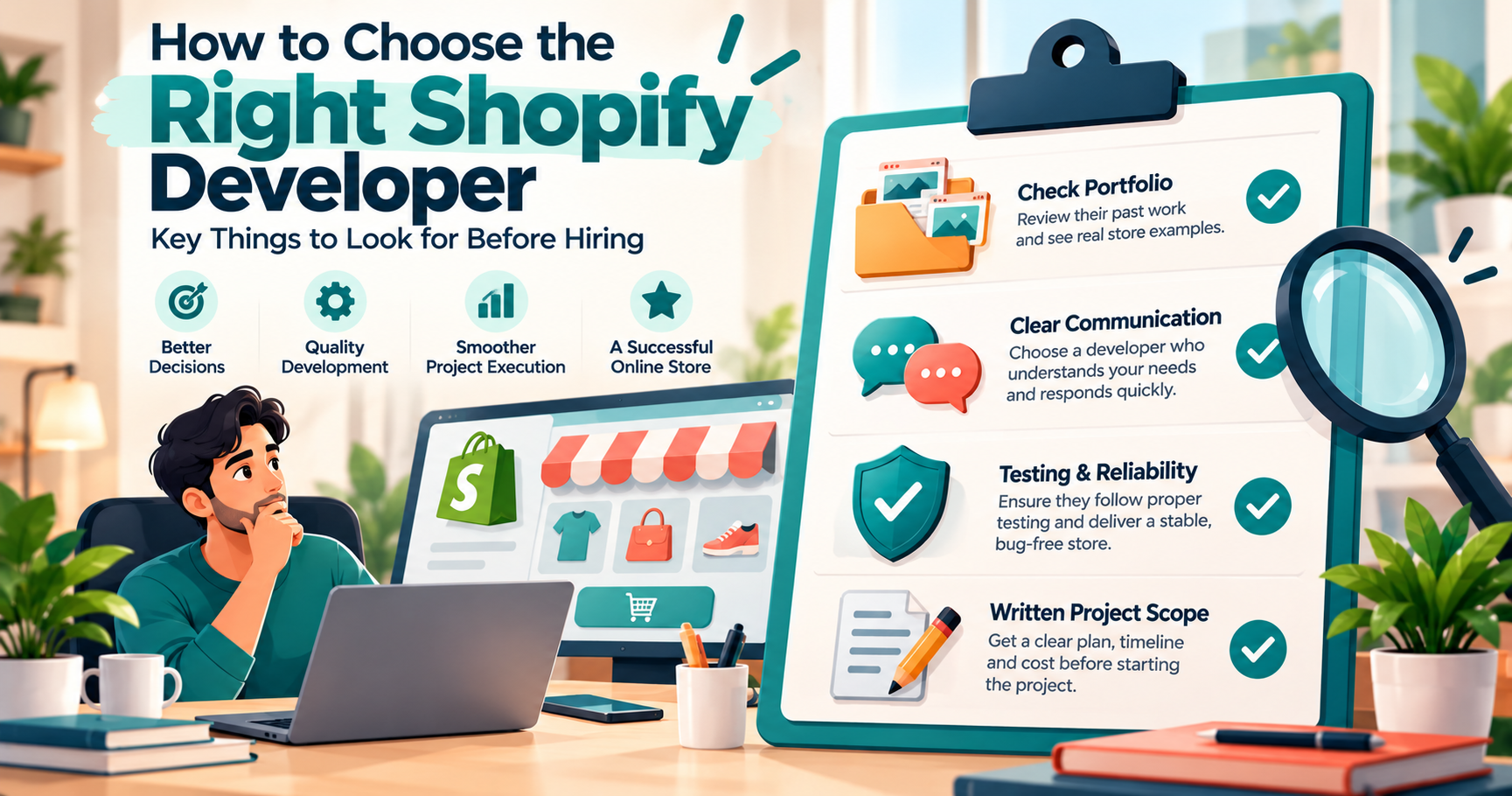
- Ask for past work. Look at real stores they have built or fixed. See if they match the kind of work you need.
- Check how they explain things. A good developer explains in plain words. If you feel lost after every call, that is a warning sign.
- Ask about their process. Do they test before going live? Do they work on a copy of your store? Do they offer help after launch?
- Get the scope in writing. The list of work, the timeline, and the price should be clear before you start.
- Look for honest advice. A good team will tell you when you do not need custom work. They should not sell you features you will never use.
Frequently Asked Questions
Do I need a developer to start a Shopify store? No. You can launch a basic store on your own using a theme and a few apps. A developer helps when you want custom design, special features, or connections to other tools.
How much does Shopify development cost? It depends on the work. A small theme change costs far less than a full custom build. Ask for a clear written quote that lists what is included.
Can I change my theme later without losing my products? Yes. Your products, customers, and orders stay in your store. A new theme only changes how the store looks. But you may need to redo some design settings.
Will custom work break when Shopify updates? It can if it is built poorly. Good developers follow Shopify's recommended methods, so the work keeps running after updates.
Is Shopify good for large stores? Yes. Many large brands use it. Bigger stores often need more custom work, such as special pricing or system connections.
How long does a Shopify project take? A small design change can take a few days. A large custom feature or migration can take several weeks. Your developer should give you a timeline before starting.
Final Thoughts
Shopify gives you a strong base to sell online. Development turns that base into a store that fits your business. Start with what you need today. Fix real problems as they show up. And choose a team that explains things clearly and tests carefully.
If you are planning a custom Shopify build, a store cleanup, or a move from another platform, Earning Planet IT Services can help. Their team works with store owners to plan, build, and test the changes properly. Reach out to them to talk through your idea before you spend on tools or features you may not need.
Need a Professional Project?
We specialize in MERN Stack, Telegram Bots, and SEO-optimized web solutions. Let's build something amazing together!